.png?width=250&height=34&name=BS-logo-pb%20(1).png)
Why it matters
Keeping your user list accurate ensures the right people have access to your Brandscope account and that former staff or agents no longer have active logins.
Steps
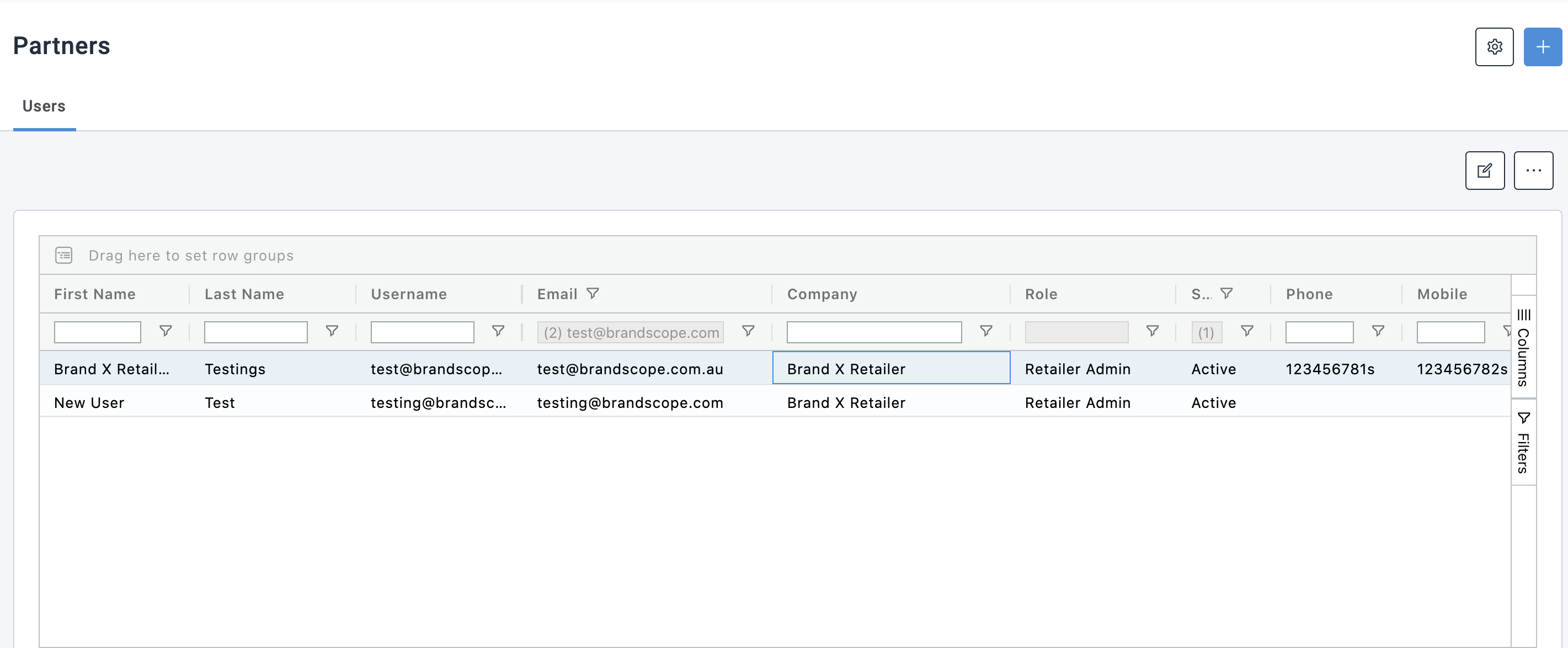
- Go to Profiles > User Profiles
- To edit an existing user, select the user and click the Edit icon — this takes you to the User Profile section where you can update their username or email address
- To add a new user, click the blue + icon at the top right of the screen and complete the required details
Deactivating a user
To remove a user's access without permanently deleting their account, select the user and deactivate them.
- A deactivated user can no longer log in to Brandscope
- Their account and order history are retained
- They can be reactivated at any time if access needs to be restored