.png?width=250&height=34&name=BS-logo-pb%20(1).png)
Why this matters
- Ensure the right people receive order files
- Control distribution of PDF and CSV outputs
- Keep communication aligned across teams
Steps
- Go to Setup → Territories
- Locate the relevant Territory
- Hover over the territory and click the Edit button
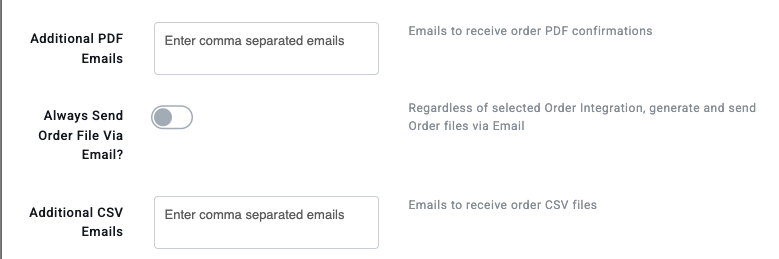
- In the Territory level settings, update:
- Additional PDF Emails
- Emails to receive order PDF confirmations
- Additional CSV Emails
- Emails to receive order CSV files
Enter multiple emails separated by commas
5. Click Save