.png?width=250&height=34&name=BS-logo-pb%20(1).png)
Why this matters
- Keep your business information up to date
- Ensure orders, invoices, and communications are accurate
- Maintain correct billing and shipping details
Steps
- Go to:
- Profiles → Company Profile
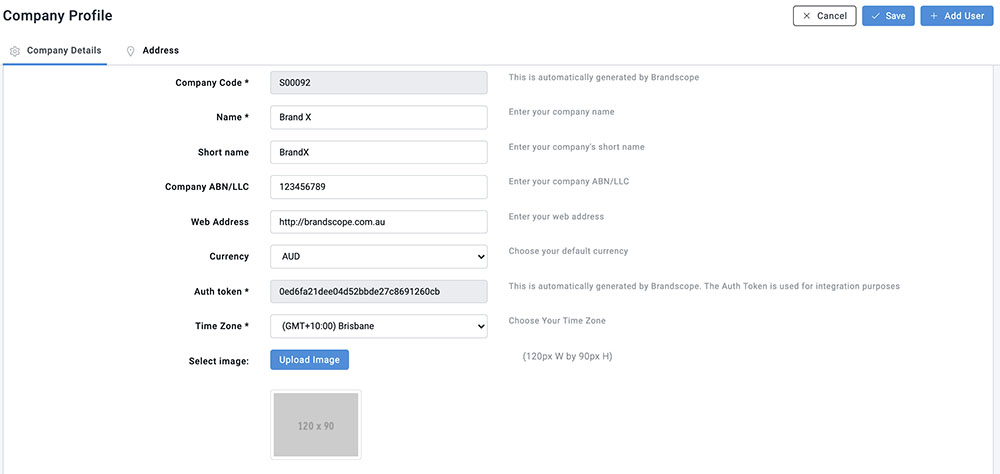
In this section, you can update:
- Company Name
- ABN
- Web Address
- Currency
- Time Zone
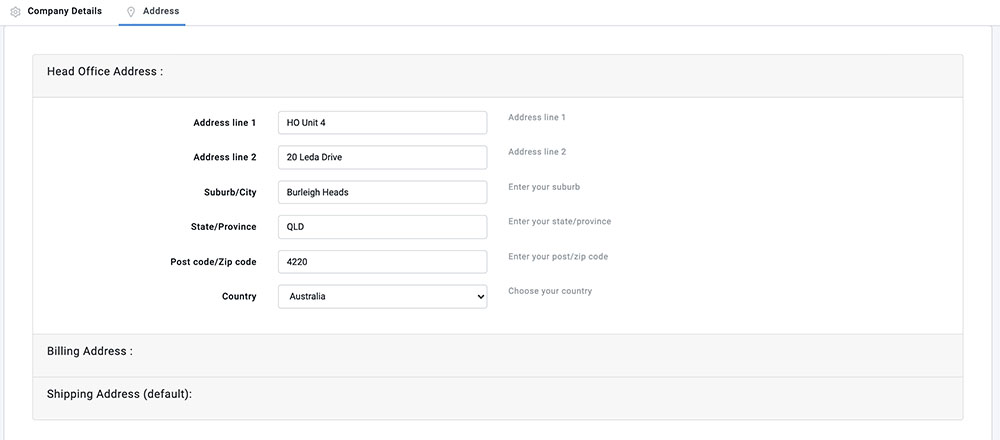
Address:
In this section, you can update your Head Office, Billing and Shipping Address. To move to the next address field, click on the grey divider between each section.
⚠️ Important - Retailers: If you are making changes to your address, please ensure you have notified your Supplier.