.png?width=250&height=34&name=BS-logo-pb%20(1).png)
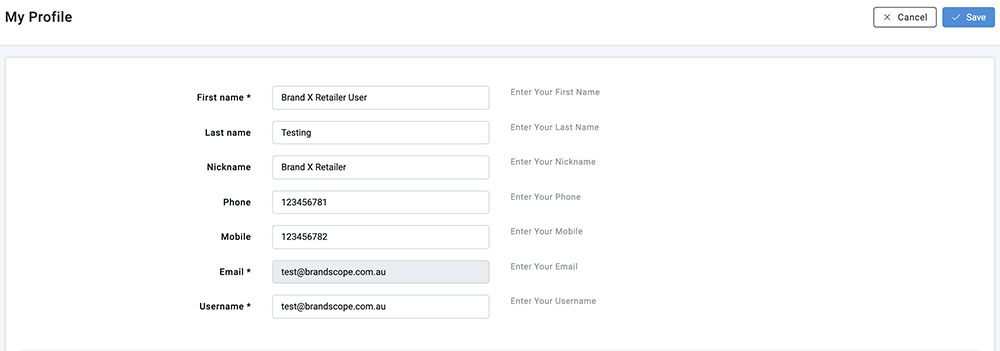
The My Profile section allows you to update your personal details in Brandscope.
- Navigate to Profiles > My Profile.
- When updating your Username, be sure it is unique if you have multiple accounts registered on Brandscope.
- You can also configure additional settings on your My Profile page. For example, you can enable Hide W/S Price to hide the wholesale price when displaying the range page — a key feature for Retailers using Brandscope on the shop floor.
- Once you have finished updating your details, click Save.