.png?width=250&height=34&name=BS-logo-pb%20(1).png)
Why this matters
- Control how products are grouped for retailers
- Highlight key categories or collections first
- Improve navigation and buying experience
Steps
- Go to Setup → Releases
- Search for and select your Release
- Click Edit
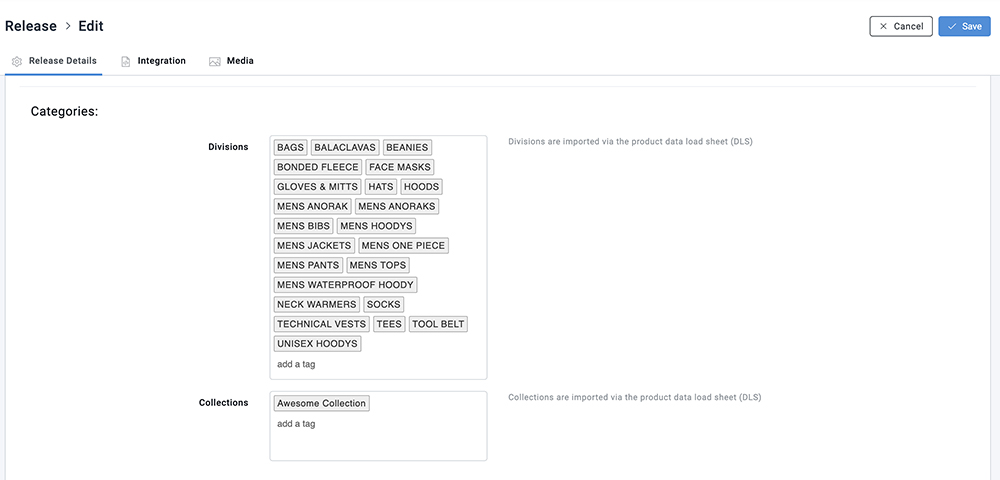
- Scroll to the Categories section
- In the Divisions or Collection field:
- Drag and drop division or collection names to reorder them
- Save
Common Issues
- Changes not visible → Ensure you clicked Save
- Order not updating → Refresh the page and check again